
Free
Start managing your online reviews.
€0/ month excl. VAT
- Your Google reviews in one place
- No email or SMS
- Website option: €59 / month
No commitment
IndustriesHealthcareMedical reviews
A patient writes about you, and you can say nothing about their treatment. Here is how Smilemood is organised, and what remains your responsibility.
No commitmentAutomatic sending with Super and Ultra

Move your mouse and Moodi follows; click it and it says hello.
More than 250 users trust us







Confidentiality covers everything concerning the patient, including the fact that they consulted you (article L.1110-4 of the French Public Health Code).
Nobody at reception has a button to click. The extension reads the diary open in Chrome, and you set it up once.
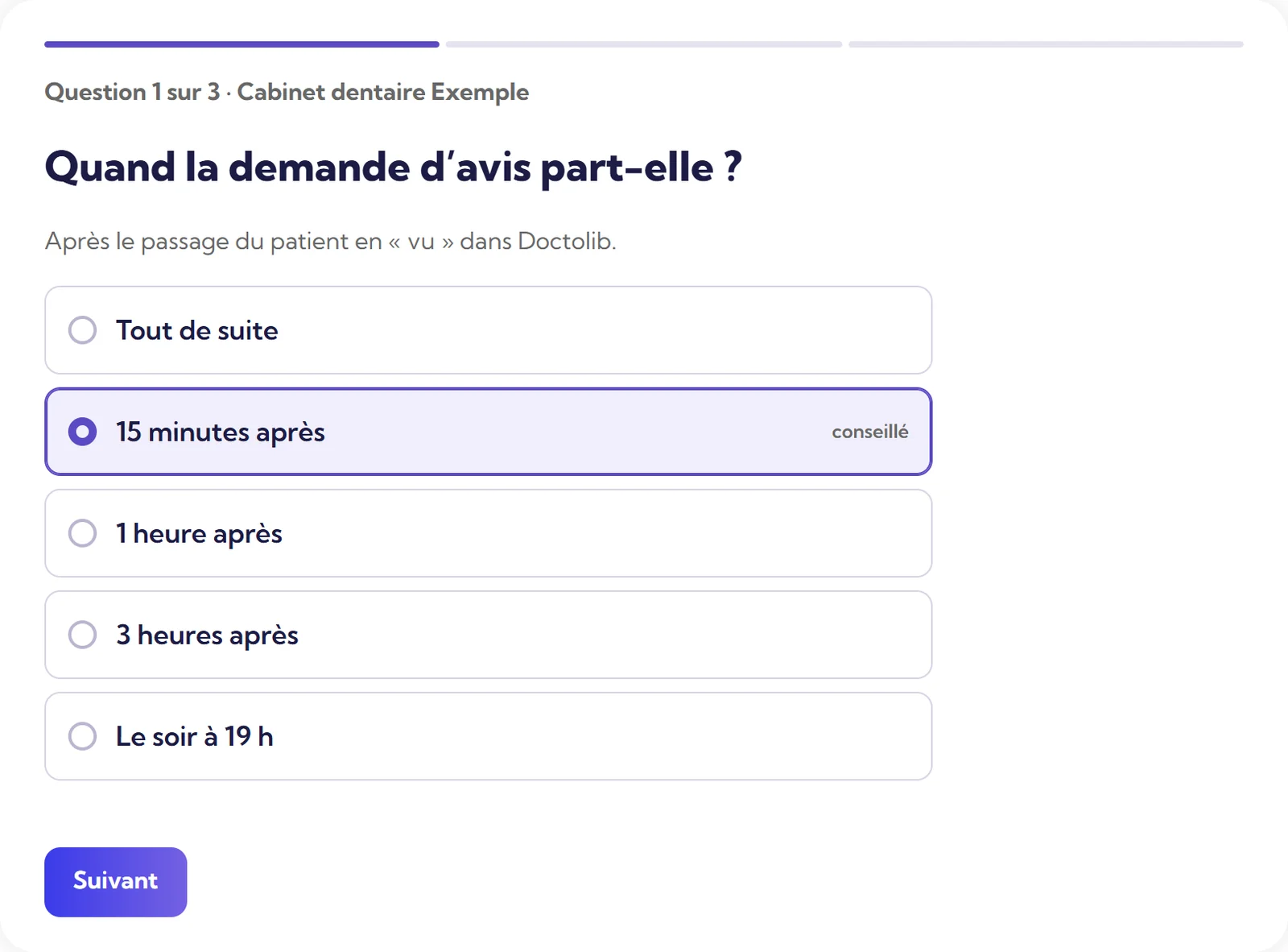
This is what proves they really came: the delay counts from there. No-shows and cancelled appointments receive nothing.
15 minutes after “seen”, with the recommended setting. You can also choose straight away, 1 hour, 3 hours, or in the evening at 7 pm.
It joins the same list as all the others, and Moodi can prepare a reply.
 Review receivedNeeds a reply
The vocabulary of care, limited reading of the diary, and requests that never go out.
When the business is a practice, a clinic or a care centre, the screens and templates talk about patients and treatment. Moodi prepares replies in that tone.
Appointments marked “seen”, with the patient’s first name, surname, email and phone number, to send them the request. You set the delay, the sending method, the time slots and the special cases. Nothing goes out before activation.
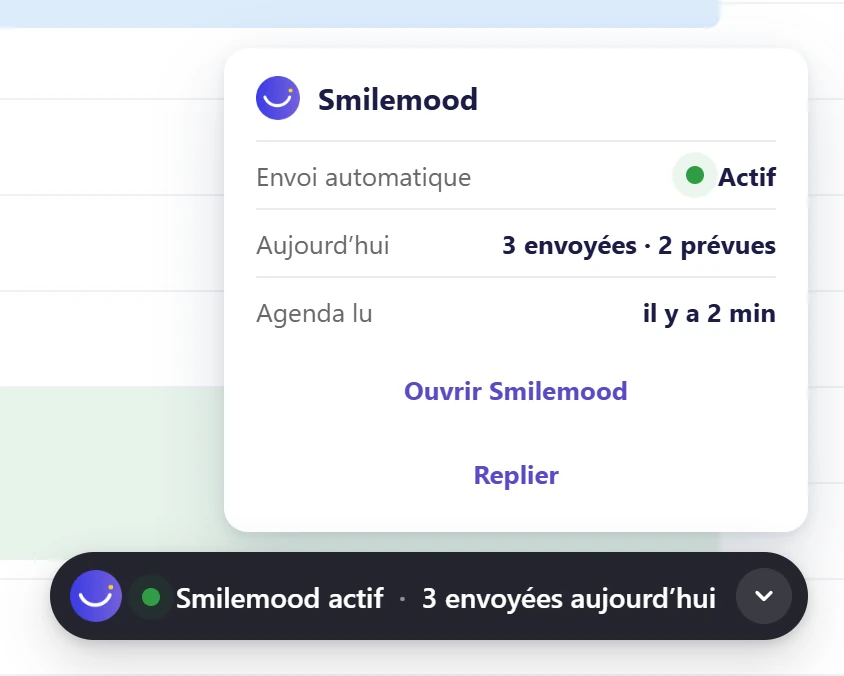
No request to no-shows, cancelled appointments, or people who have refused notifications. The same appointment does not trigger two requests.
Patient reviews, with the right precautions. 7 days free on Super and Ultra, no commitment.
Try Super for 7 daysSmilemood helps you reply; the decision is yours.
A public reply stays general: it says thank you, it confirms nothing, it mentions no treatment, and it invites the person to get back in touch with the practice if needed.
Each professional body has its own recommendations on reviews and communication, and they change. Smilemood does not replace them: check with yours.
Approval of every text stays with you. Automatic replies are never switched on at the start.
“Since we started using SmileMood, our practice has seen a real change. The qualified reviews we receive on Google My Business strengthen our credibility and attract new patients. The AI assistant Moodi helps us reply to comments in a personalised way, which is crucial in the medical field. An essential solution for any clinic!”
“Thanks to SmileMood, we have been able to strengthen Demeco’s reputation by collecting more customer reviews. The tool is simple and effective, and it lets us improve our customer relationship by responding to feedback in real time.”
“SmileMood is a valuable asset for Ikadran! It lets us continuously measure our patients’ satisfaction and build a lasting relationship of trust. An essential solution for professionals in the medical sector.”
One price per location, no commitment, 7 days free on Super and Ultra.
Start managing your online reviews.
No commitment
Your reviews, your Google Business Profile and Moodi
No commitment
Everything in Super, plus your website
No commitment
Another question? All the answers are sorted by topic, with a search field.
All questionsNo. The Smilemood extension for Chrome reads your Doctolib diary and sends the review request after the “seen” status. The diary must stay open in Chrome.
You choose: straight away, 15 minutes later (the recommended setting), 1 hour, 3 hours, or in the evening at 7 pm. It goes out between 9 am and 8 pm, Monday to Saturday, 50 per day at most. These limits can be changed.
Patients who did not attend, cancelled appointments and people who have refused notifications. The same appointment does not trigger two requests.
Appointments marked “seen”, with the patient’s first name, surname, email and phone number, to send them the review request.
They vary according to your professional body: check with it. A public reply must give no treatment details, and you read over each one.
It must not: a public reply gives no treatment details. You read over each text before publication, and you can approve everything yourself.
Yes for healthcare: the vocabulary follows the type of business chosen at sign-up, with “patients” and “treatment”.
Yes: one review per contact per campaign, one review per email address per location over 30 days, three reviews per connection per location over 24 hours. The form also blocks automated submissions.