 TripAdvisor 87

Free
Start managing your online reviews.
€0/ month excl. VAT
- Your Google reviews in one place
- No email or SMS
- Website option: €59 / month
No commitment
IndustriesRestaurants
Google and TripAdvisor in a single list, holiday hours prepared for Google. You read it all over between services.
No commitmentYour Google reviews in one place: free with Free

Move your mouse and Moodi follows; click it and it says hello.
More than 250 users trust us







Smilemood brings them together, Moodi prepares, you read the replies over between services.
You connect your profile once. After that, Moodi prepares and you decide.
Your Google reviews arrive in Smilemood. TripAdvisor connects with your owner account.
 Le Comptoir ExempleGoogle connected
On the table or on the bill. No list to keep, no file to export.
Moodi prepares the reply in the house tone. You publish it, or it publishes according to your rules.
Karim B.RepliedFewer tabs, more reviews, an accurate Google Business Profile on holiday evenings.
Both arrive in the same place, and Moodi writes the reply in the house tone. A review about waiting for dessert doesn’t get the same reply as a thank-you.
Your customer scans it on the way out and leaves a review while the dish is still fresh in their mind. No list to keep, no file to export.
Closed on the 24th, open on the 31st: you tell Moodi, it prepares the hours and the post that lets your customers know.
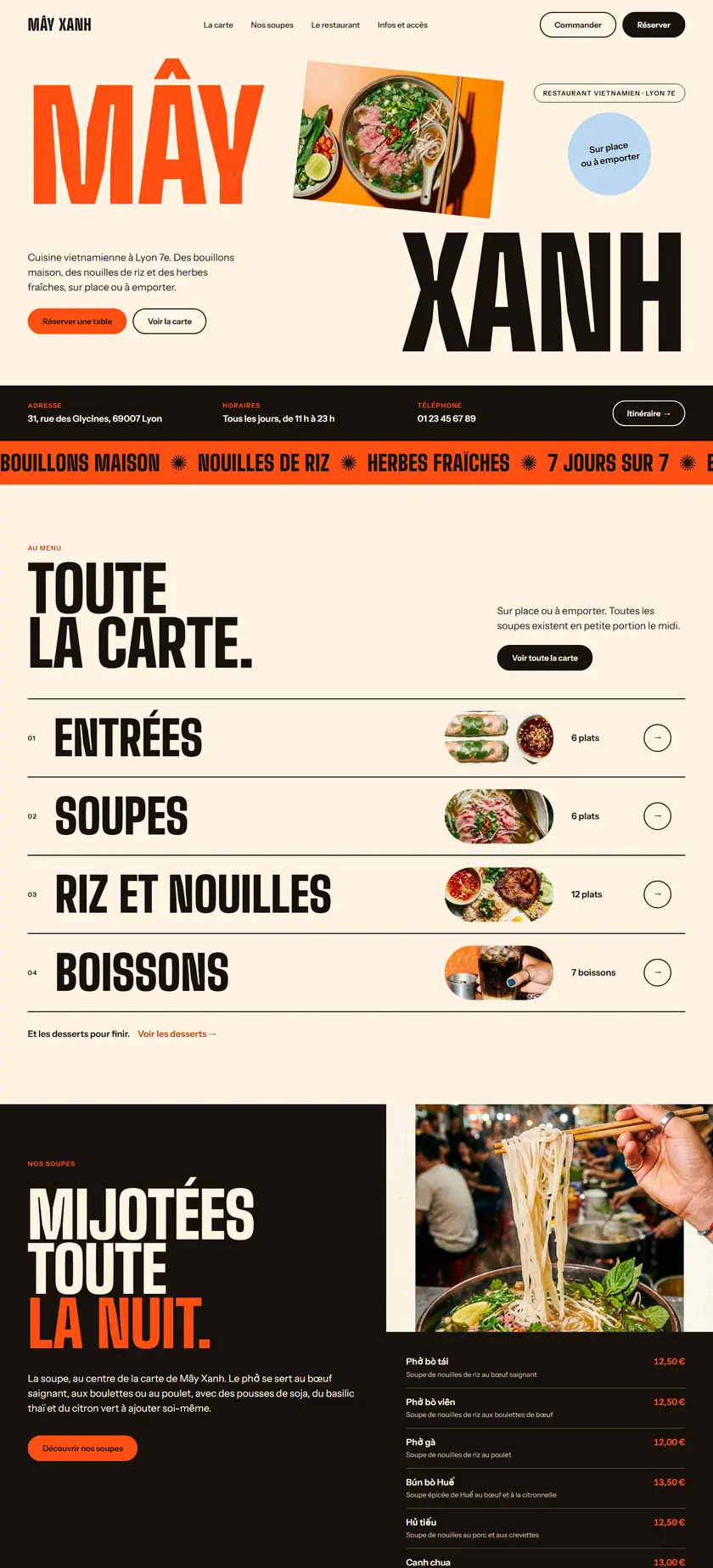
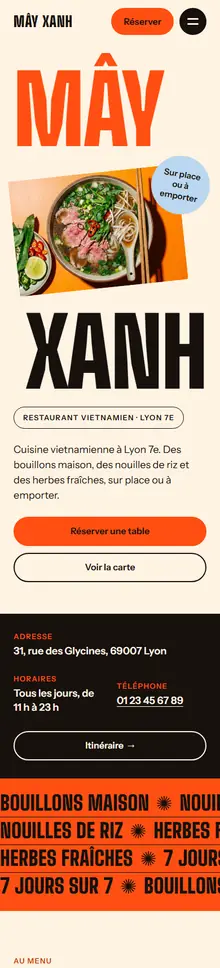
On your website, the menu is imported from a PDF or a photo, section by section, and you read it over. A “Book a table” button stays visible: form, Zenchef, link or phone.
Moodi takes care of your reviews from tonight. 7 days free on Super and Ultra, no commitment.
Try Super for 7 daysMoodi suggests, you approve.
Nothing goes out without your approval, except what you have chosen to automate.
“Since we started using SmileMood, our practice has seen a real change. The qualified reviews we receive on Google My Business strengthen our credibility and attract new patients. The AI assistant Moodi helps us reply to comments in a personalised way, which is crucial in the medical field. An essential solution for any clinic!”
“Thanks to SmileMood, we have been able to strengthen Demeco’s reputation by collecting more customer reviews. The tool is simple and effective, and it lets us improve our customer relationship by responding to feedback in real time.”
“SmileMood is a valuable asset for Ikadran! It lets us continuously measure our patients’ satisfaction and build a lasting relationship of trust. An essential solution for professionals in the medical sector.”
One price per location, no commitment, 7 days free on Super and Ultra.
Start managing your online reviews.
No commitment
Your reviews, your Google Business Profile and Moodi
No commitment
Everything in Super, plus your website
No commitment
Another question? All the answers are sorted by topic, with a search field.
All questionsBy email, by SMS, with a campaign sent to a contact list, or with a QR code displayed in your business.
No. The QR code doesn’t need any. For an SMS, you need the customer’s number; for an email, their address.
It is reserved for paid plans. Moodi prepares it, you read it over, and the main rating becomes a Smilemood review.
It connects with your owner account and is offered to restaurants. It is included in the Ultra plan.
Yes: it can be imported from a PDF or a photo, and you read it over before publishing.
As you choose: a form, Zenchef, a link or the phone.
The features restaurants use most.