







FeaturesMoodi

Moodi prepares. You approve.

You write to it as you would to a colleague, in the app or by email. It answers with your figures, prepares your review replies, special opening hours, a post or a campaign, and the action goes out when you click.

No commitmentWith Super and Ultra

Moodi, Smilemood’s assistant

Move your mouse and Moodi follows; click it and it says hello.

More than 250 users trust us

  • KFC
  • Land Rover
  • Volvo
  • Ophtalea
  • FuturSmile
  • Demeco
  • Fitness Park

You don’t have time to search through menus.

Moodi knows the app so you don’t have to. You say what you want, it prepares it.

Today

  • To see how your reviews are doing, you open three screens.
  • A one-off closure, and you have to think about Google, a post, your customers.
  • Every reply, every campaign, every questionnaire starts from a blank page.

With Smilemood

  • A question, and the answer with your figures and the right screen.
  • “Closed on 24 December”: it prepares the opening hours and the post.
  • It prepares, you read it over, the action goes out when you click.

Three steps, and Moodi works with you.

No training, no commands to remember: you just write to it.

1

Open its window

It is open on every screen of the app. Moodi sees the page you are on and suggests what relates to it.

Moodionline
2

Ask as you would a colleague

A question about your reviews, a closure to announce, a campaign to launch.

“How many reviews this week?”
3

Approve in one click

It prepares, you read it over. The action goes out when you click, within 24 hours of its suggestion.

Replies to yesterday’s reviewsApprove

Moodi’s day.

While you work, here is what moves forward. Moodi prepares, Smilemood keeps you informed, and all that’s left is for you to approve what is waiting for you.

The morning summary arrives: reviews received, and what is waiting for a reply.

Moodi has prepared your replies to yesterday’s Google reviews. You read them over.

Opening hours changing? Moodi prepares the Google Business Profile, you click.

Your Google Maps ranking is checked around your address.

The weekly report arrives at 9 pm.

It prepares your replies.

Google, TripAdvisor and Pages Jaunes arrive in the same place. On Google and TripAdvisor, Moodi writes the reply, you approve it. And if you decide so, a reply goes out on its own, following your rules.

Learn more
Claire R.

Thank you Claire, we’re delighted you enjoyed your lunch. See you soon!

Publish 1 reply


It asks for new reviews.

By email, by SMS, by campaign or with a QR code in your business. The review page carries your name.

Learn more
EmailSMSQR code

It keeps your Google Business Profile up to date.

The post of the week and special opening hours: Moodi prepares them, you read them over.

Learn more
The post of the weekMoodi
Special opening hoursMoodi

It looks after your website.

A website in your colours, for your trade, created by chatting with it.

Learn more

And people find you.

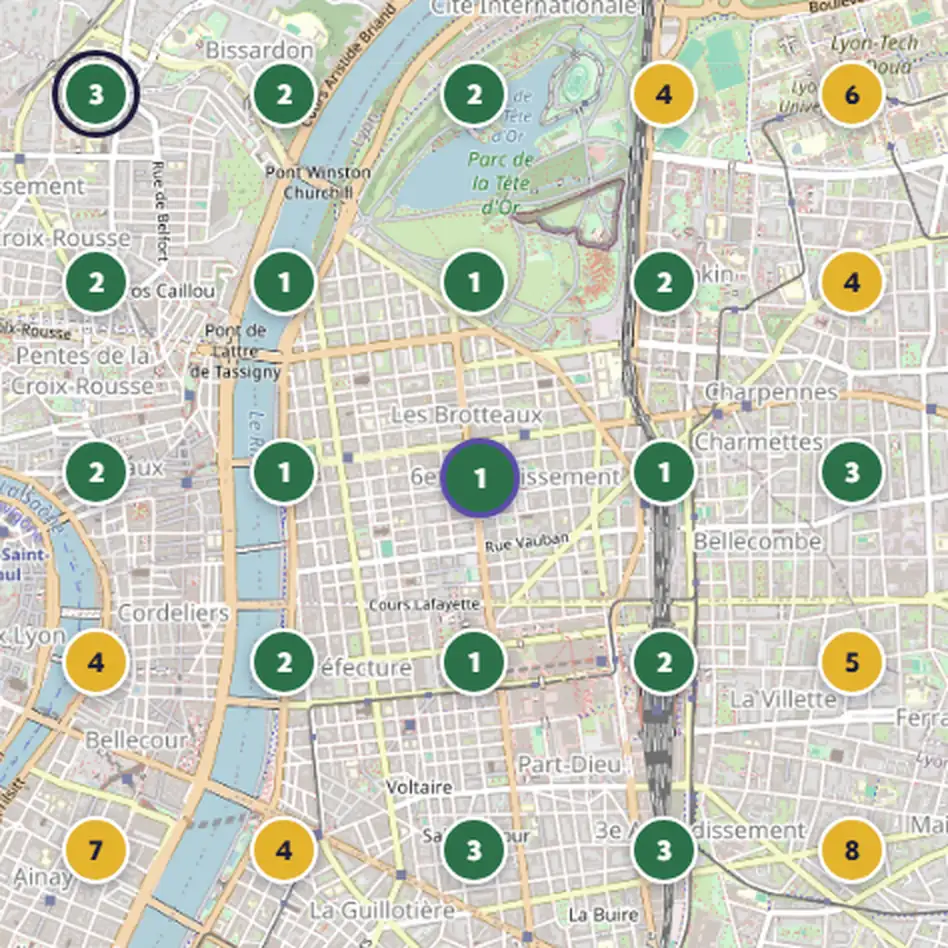
Your page in the Smilemood directory, with your rating and reviews. Multiple locations? An overview of the group.

Learn more
Le Comptoir Exemple
4.6/ 548 Smilemood reviews
Overview

What you can ask it.

Moodi prepares what would take up your time, and leaves you the final say.

How many?

Your figures, in one question.

“How many reviews this week?” Moodi answers with your figures and opens the right screen for you if you want to dig deeper. You don’t have to search through menus.

  • Your average and your reviews without a reply
  • The right screen, opened for you
  • On the page you are on
100 replies per month with Super, 500 with Ultra

Replies to the previous day’s Google reviews.

It prepares replies to the reviews received the previous day all at once. You read them over one by one, change whatever you like, and they go out when you click. With automatic replies, the ones you have chosen go out on their own.

  • A different reply for each review
  • Your business’s tone
  • You approve, or Moodi publishes on its own according to your scenario
All about reviews
24/12

Special opening hours, a post, a campaign.

“We are closed on 24 December.” Moodi prepares the opening hours and a post to let your customers know. It also prepares a satisfaction questionnaire or a campaign.

  • Special opening hours on your Google Business Profile
  • The post to let your customers know
  • A campaign or a questionnaire, ready to read over
All about My Google profile
Moodi by email

By email, for your website.

A new number, your summer opening hours, your introduction text, the Valentine’s Day menu, photos as attachments: you write to Moodi from your usual mailbox. It replies with a preview, and the website changes when you approve.

  • Phone number, opening hours, introduction, a menu section, your photos
  • Moodi doesn’t write anything for you: it uses your words
  • You approve in one click, and you can undo it afterwards
All about My website

Try Moodi on your real reviews. 7 days free on Super and Ultra, no commitment.

Try Super for 7 days

What Moodi doesn’t do on its own.

You know exactly what it does, and what it leaves in your hands.

Its tools wait for your action

None of its tools writes directly: the action starts from you. Only the automatic replies you have switched on go out, following your rules.

Posts with photos

These are prepared in the Google Business Profile screen. Moodi writes the text of the posts.

One location at a time

From its window, it works on one location at a time. The group has its own screens.

You stay in control.

Moodi suggests, you approve.

Nothing goes out without your approval, except what you have chosen to automate.

Your rules, by source and by rating.Automatic replies follow what you have decided.
1- and 2-star reviews stay pending your approval, unless you decide otherwise.★★★★★
Publishing on its own must be requested explicitly, with a warning and a double confirmation.
See the Reviews page

What our customers say.

“Since we started using SmileMood, our practice has seen a real change. The qualified reviews we receive on Google My Business strengthen our credibility and attract new patients. The AI assistant Moodi helps us reply to comments in a personalised way, which is crucial in the medical field. An essential solution for any clinic!”
É
Dr ÉmilieGeneral practitioner
Demeco
“Thanks to SmileMood, we have been able to strengthen Demeco’s reputation by collecting more customer reviews. The tool is simple and effective, and it lets us improve our customer relationship by responding to feedback in real time.”
D
DamienDemeco
“SmileMood is a valuable asset for Ikadran! It lets us continuously measure our patients’ satisfaction and build a lasting relationship of trust. An essential solution for professionals in the medical sector.”
P
PhilippeIkadran

Moodi, in every plan.

Moodi comes with Super. With Ultra, it writes more replies and also creates your website.

Free

Start managing your online reviews.

€0/ month excl. VAT
  • Your Google reviews in one place
  • No Moodi
  • No review requests
Start for free

No commitment

Super

Your reviews, your Google Business Profile and Moodi

€59/ month excl. VAT per location
  • Moodi, your assistant in the app
  • 100 replies written by Moodi every month
  • Opening hours and posts for your profile prepared by Moodi
Try Super for 7 days

No commitment

Most popular

Ultra

Everything in Super, plus your website

€99/ month excl. VAT per location
  • 500 replies written by Moodi every month
  • Your website, created by chatting with Moodi
  • Google Maps ranking tracking
Try Ultra for 7 days

No commitment

When paying annually−10%
The price drops with the number of locations
2 to 4−10%
5 to 9−20%
10 or more−30%
Quote on request above 20.
Prices excl. VAT.See all plans and pricing

Your questions.

Another question? All the answers are sorted by topic, with a search field.

All questions
What can Moodi do today?

Open the right screen, give your review figures, prepare replies to yesterday’s Google reviews, special opening hours, a Google post, a questionnaire or a campaign.

What does Moodi do without my approval?

In the app, nothing: it prepares, and the action runs when you click, within 24 hours. Only the automatic replies you have switched on go out, following your rules.

What can’t it do yet?

It doesn’t prepare posts with photos, doesn’t handle several locations at once, and from its window it only replies to Google reviews.

Where do I find Moodi?

Its window is open on every screen of the app. For your website, you can also email it: it prepares the change, you approve it in the app.

Does Moodi keep our conversations?

Its window doesn’t keep a history yet: each request starts from scratch.

Which plan includes Moodi?

Super and Ultra: 100 written replies per month with Super, 500 with Ultra. The Free plan does not include Moodi.

Let Moodi make you visible on the internet and in AI tools.

Try free for 7 days

No commitment

Try free for 7 days