


Free
Start managing your online reviews.
€0/ month excl. VAT
- Your Google reviews in one place
- No email or SMS
- Website option: €59 / month
No commitment
IndustriesSport and wellness
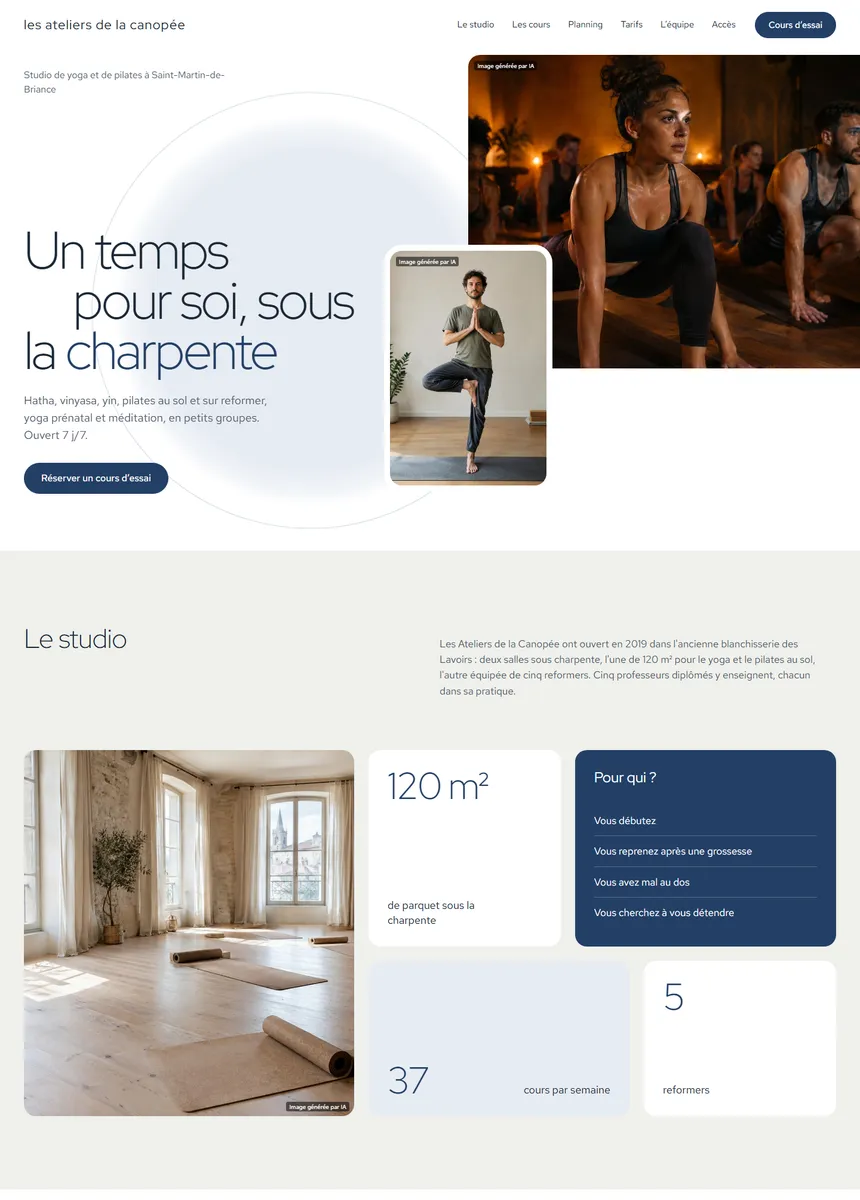
Your Google reviews in one place, a QR code at reception, holiday opening hours prepared for Google. And a website where your timetable is read from your documents.
No commitmentYour Google reviews in one place: free with Free

Move your mouse and Moodi follows; click it and it says hello.
More than 250 users trust us







Smilemood brings them together, Moodi prepares, you read the replies over between sessions.
You connect your profile once. After that, Moodi prepares and you decide.
Your Google reviews arrive in Smilemood, in one place.
 Studio ExempleGoogle connected
At reception, in the changing room or next to the posted timetable. No list to keep, no file to export.
Moodi prepares the reply. You publish it, or it publishes according to your rules.
Julie M.RepliedMore reviews, replies without spending your evening on them, an up-to-date timetable online.
Members scan it as they leave the class and leave their review while the session is still fresh in their mind. No list to keep, no file to export.
Moodi picks up on what the member wrote: a class, a coach, an overcrowded slot. You approve from your phone, between two sessions.
Reduced hours in August, closed on 25 December: you tell Moodi, and it prepares the opening hours and the post that lets your members know.
On your website, the timetable, prices and coaches are read from your documents, a PDF or a photo, and you read them over before publication. The “Trial session” and “Book a class” buttons stay visible.
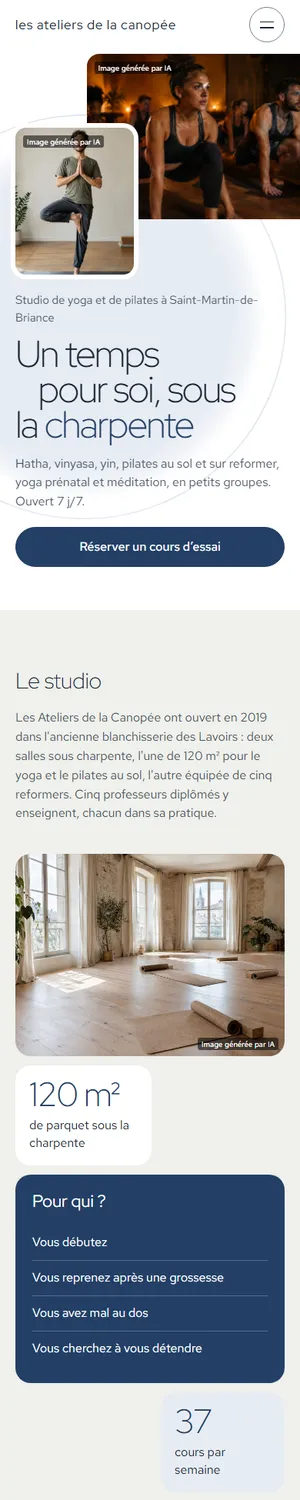
The studio’s classes, teachers and timetable, on a calmer website. The timetable and prices also come from your documents, and you read them over.
Moodi takes care of your reviews from tonight. 7 days free on Super and Ultra, no commitment.
Try Super for 7 daysMoodi suggests, you approve.
Nothing goes out without your approval, except what you have chosen to automate.
“Since we started using SmileMood, our practice has seen a real change. The qualified reviews we receive on Google My Business strengthen our credibility and attract new patients. The AI assistant Moodi helps us reply to comments in a personalised way, which is crucial in the medical field. An essential solution for any clinic!”
“Thanks to SmileMood, we have been able to strengthen Demeco’s reputation by collecting more customer reviews. The tool is simple and effective, and it lets us improve our customer relationship by responding to feedback in real time.”
“SmileMood is a valuable asset for Ikadran! It lets us continuously measure our patients’ satisfaction and build a lasting relationship of trust. An essential solution for professionals in the medical sector.”
One price per location, no commitment, 7 days free on Super and Ultra.
Start managing your online reviews.
No commitment
Your reviews, your Google Business Profile and Moodi
No commitment
Everything in Super, plus your website
No commitment
Another question? All the answers are sorted by topic, with a search field.
All questionsBy email, by SMS, with a campaign sent to a contact list, or with a QR code displayed in your business.
No. The QR code doesn’t need any. For an SMS, you need the customer’s number; for an email, their address.
It is reserved for paid plans. Moodi prepares it, you read it over, and the main rating becomes a Smilemood review.
Yes: it is read from your documents, a PDF or a photo, along with your prices and your coaches. You read it over before publication.
Through a link to your booking tool, by phone, or by requesting a trial session using the website’s form.
Yes: four templates for yoga and Pilates, alongside the seven templates for gyms.
The features gyms and studios use most.